Drive Recruitment Dashboards

SEE WHAT TO DO
TO HIRE GREAT PEOPLE

PERSONAL HIRING DASHBOARDS
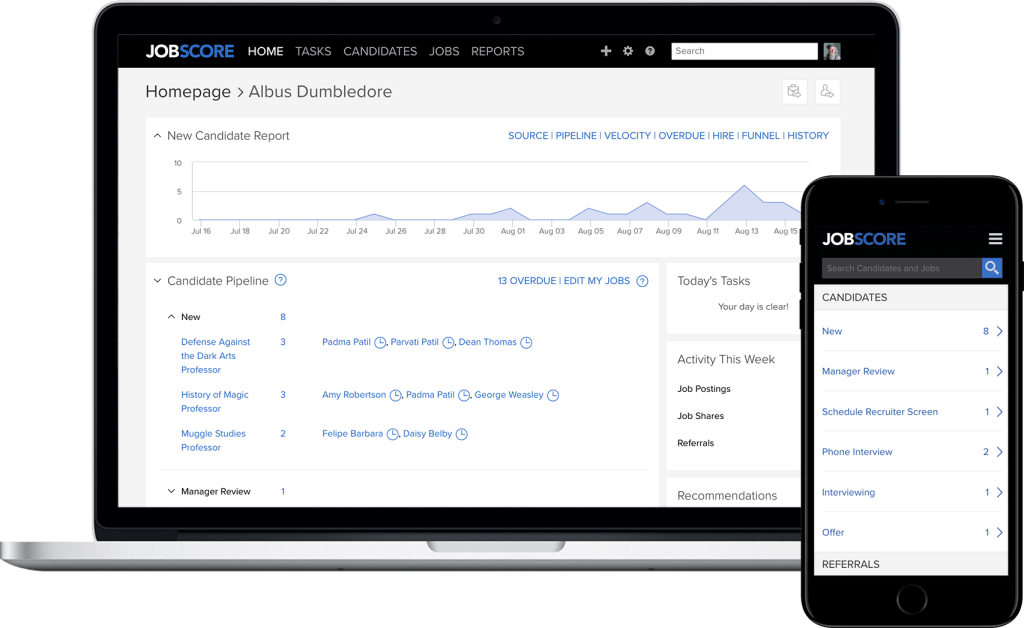

JobScore personal recruitment dashboard on desktop and phone.
  • Understand the entire picture with a glance.

SMOOTH
COLLABORATION

  • The recruitment dashboard shows what every team member needs to do.

  • Prompt folks to follow up before they fall behind.

  • Visibility and transparency help everyone stay on point.

Illustration of three colleagues riding a tandem bicycle together while multitasking
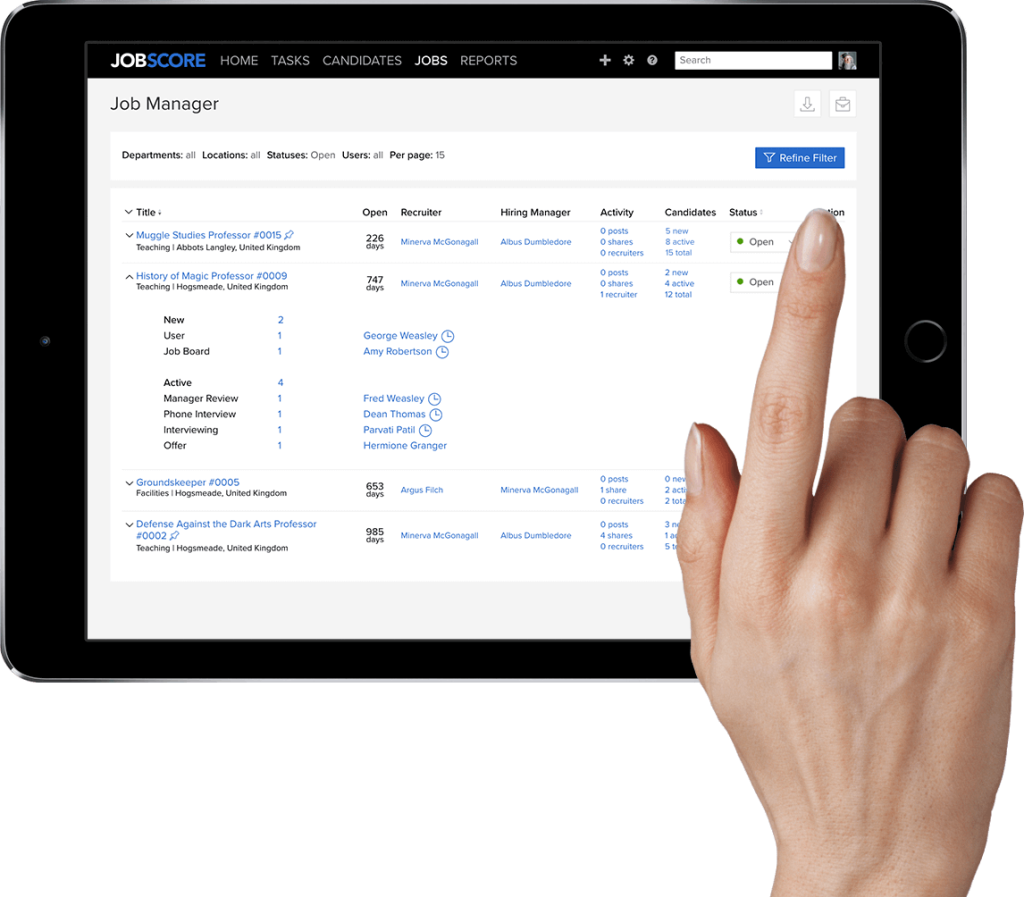
Using the job manager page on JobScore to view the candidate pipeline by role

Pipeline
BY JOB

The Job Manager includes a snapshot of all candidates in process for each job.

Hiring managers answer questions on their own, so you don’t have to update spreadsheets.

Start from here if you prefer to work by job instead of by workflow stage.
INTERVIEWING
ACTIVITY

  • It gets harder to keep track of interviews as recruiting scales.

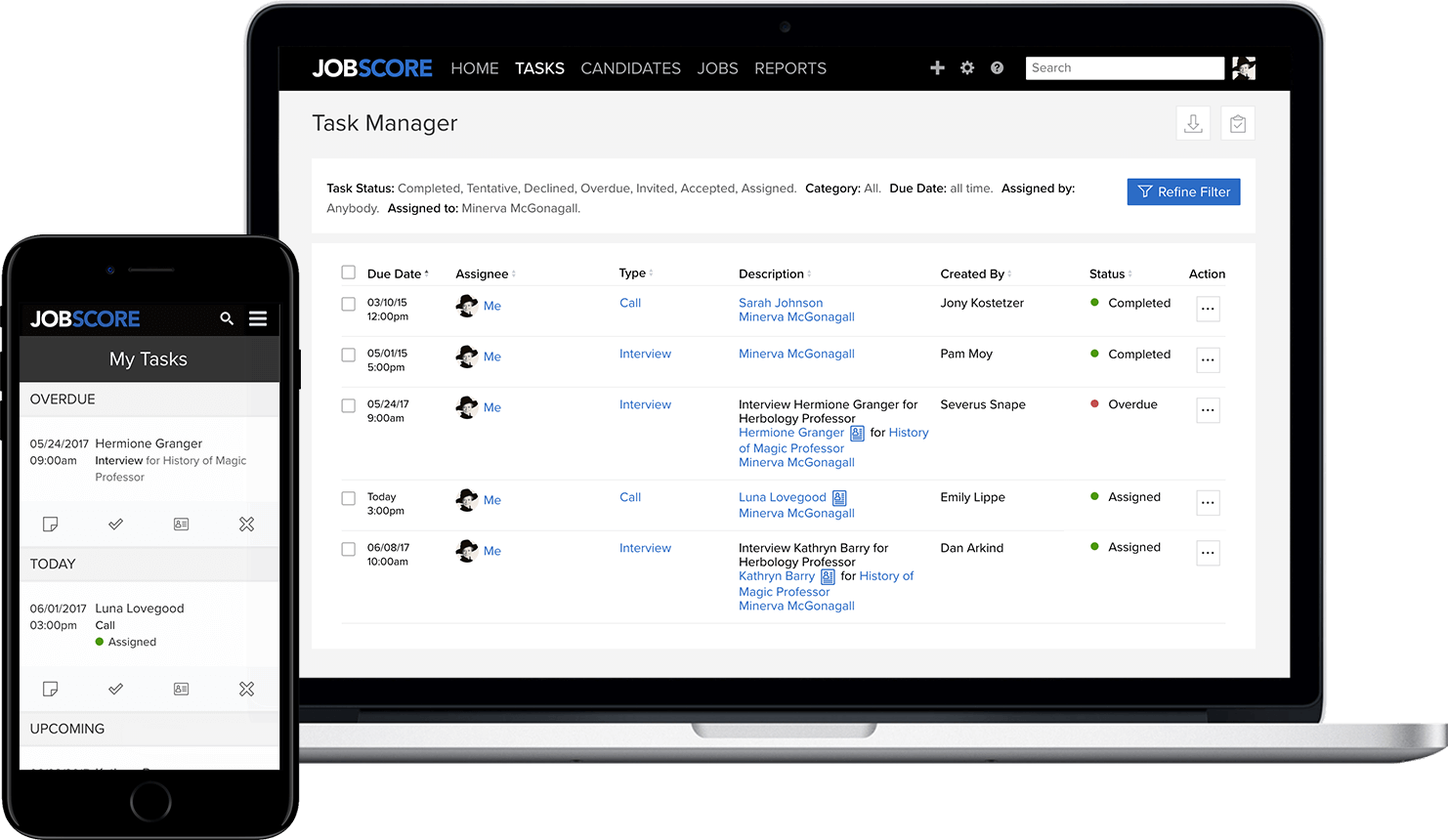
  • JobScore shows company-wide interviewing activities on the task manager.

  • Track upcoming scheduled interviews to verify that everyone is prepared.

  • See who owes interview feedback so candidates don’t fall through the cracks.

JobScore task manager showing interview activity on tablet and phone
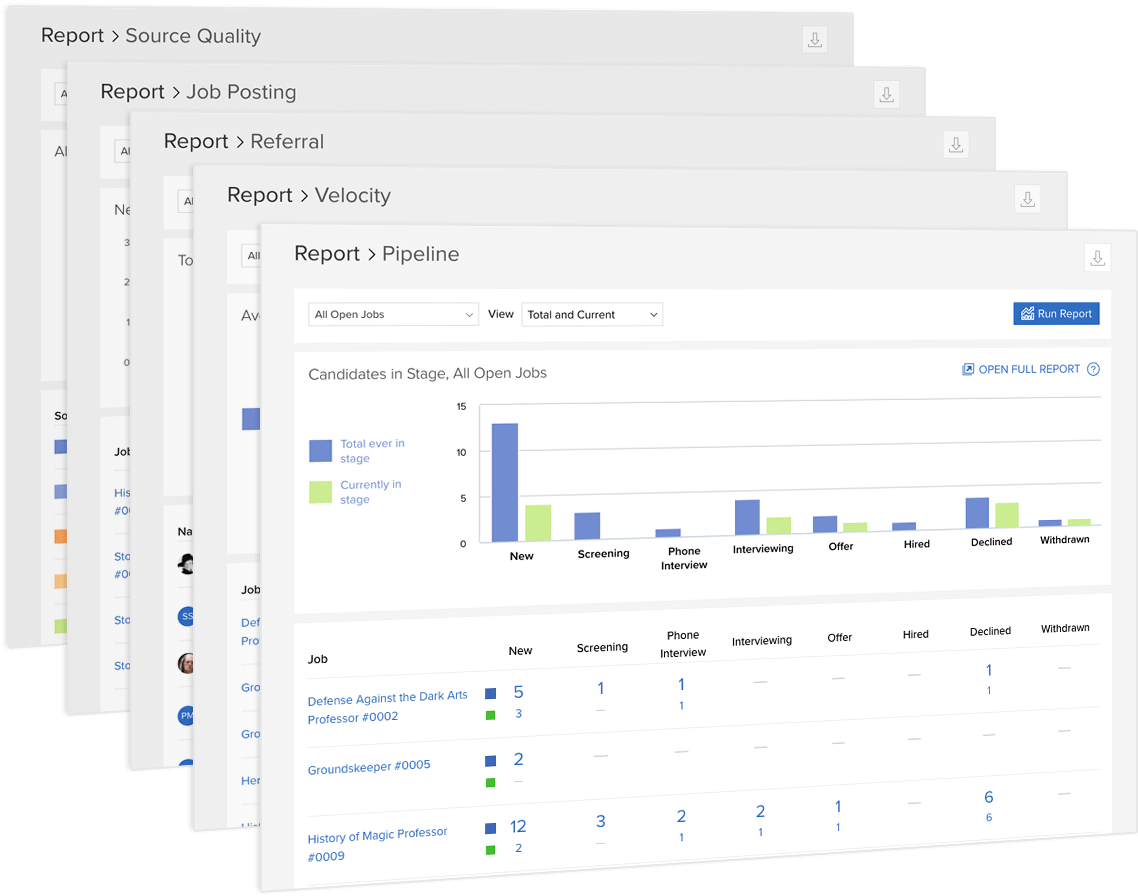
JobScore recruitment dashboard showing pipeline, velocity, referral, job posting, and source quality reports

USE REPORTS
AS DASHBOARDS

JobScore has 15+ built in reports including source quality, activity, velocity and overdue reports.

Reports include links so you can click to review and take action based on what you learn.

Filter by department, job status, location, user and more to build and bookmark the dashboards you need.

Improve your recruiting

SCHEDULE A CALL

See the next feature

CUSTOMIZE WORKFLOWS